
Download Gemlet
Preparing download…1. Check your email
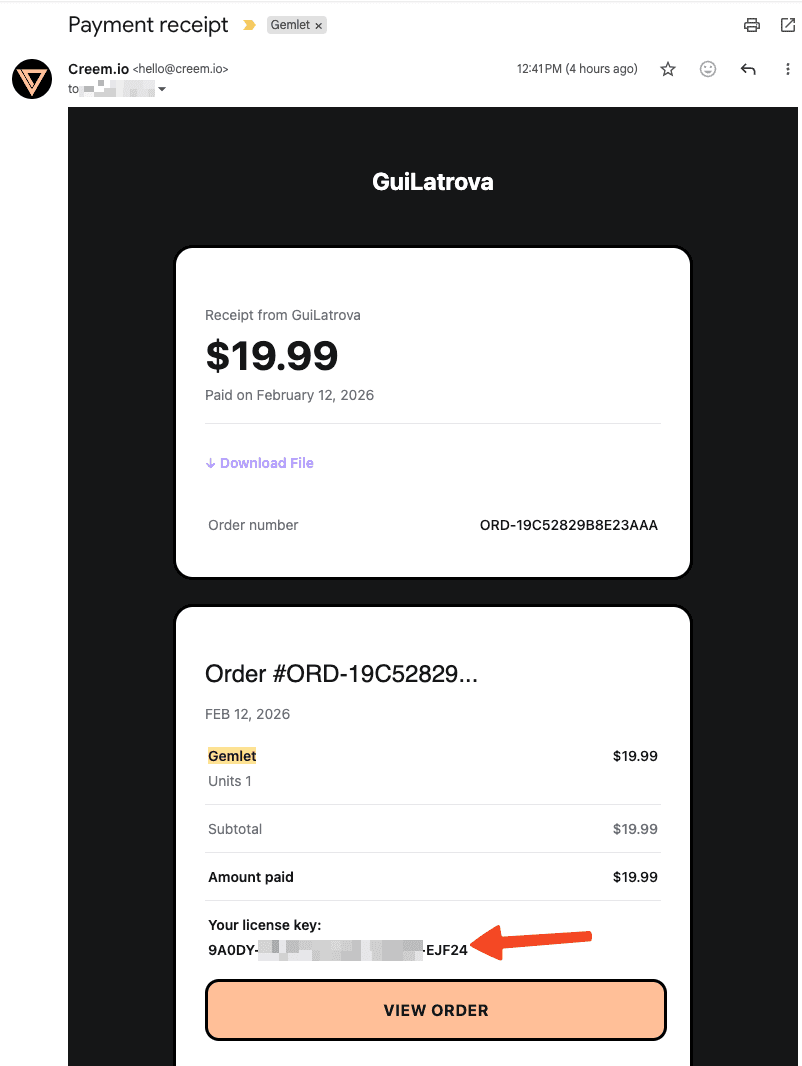
Search for an email from Creem.io (hello@creem.io) with the subject "Payment receipt". It contains your license key.
Click to zoom
2. Install Gemlet
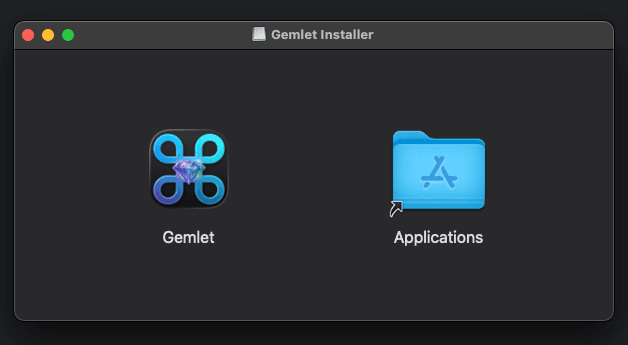
Open the installer and drag Gemlet to your Applications folder.
Click to zoom
3. Add your license key
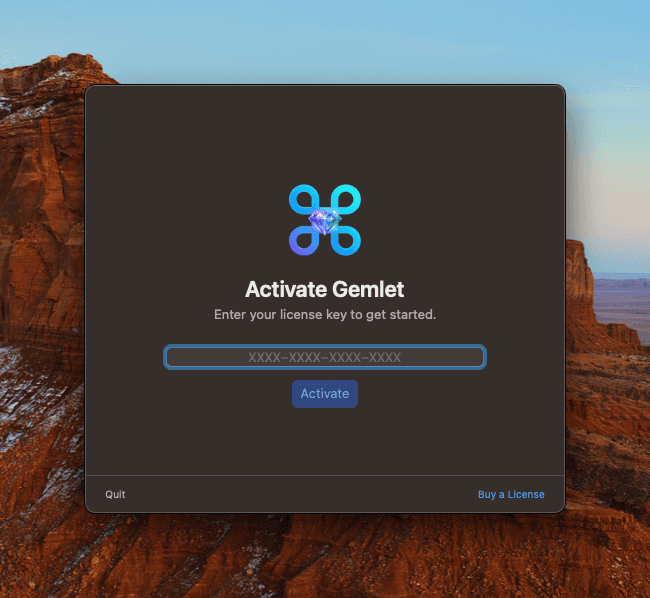
Open Gemlet, go to settings and enter the license key from your email to activate.
Click to zoom
Need help?
gemletsupport AT guilatrova DOT dev